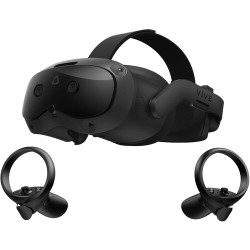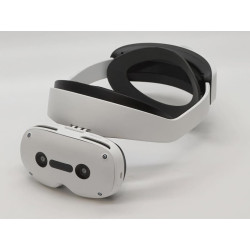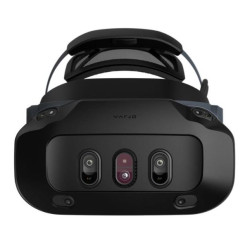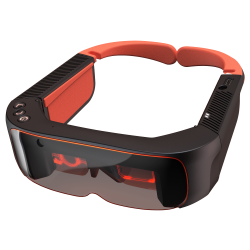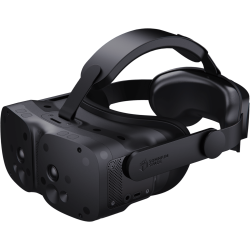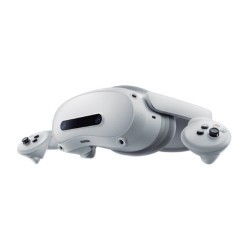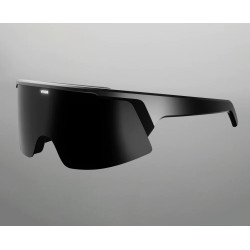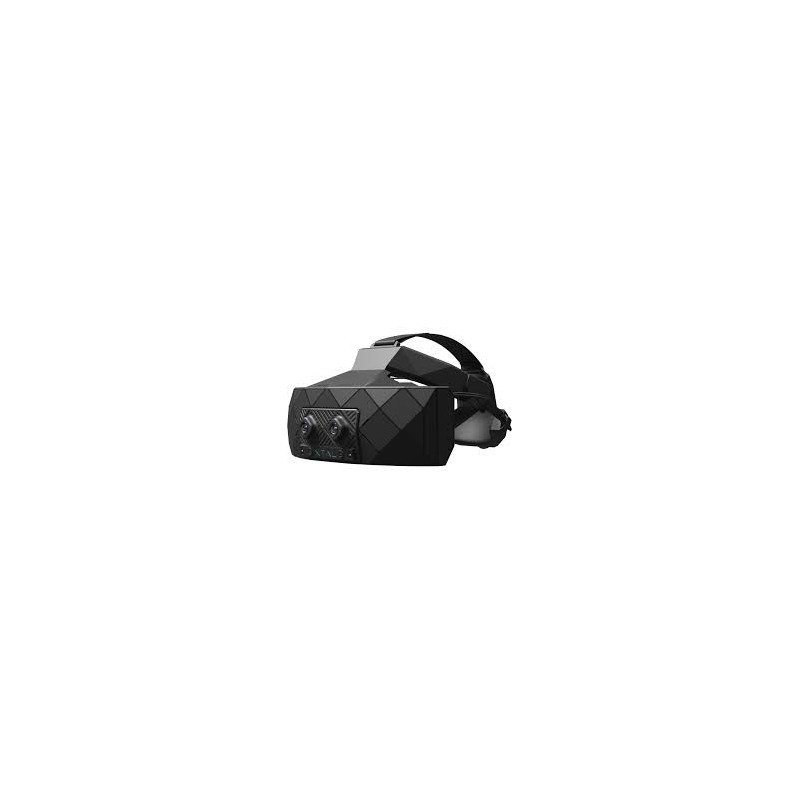
The XTAL 3 CAVU is a limited edition professional MR headset (Mixed Reality), developed by Vrgineers primarily for flight simulators, pilot training, and military and specialized applications.
The name CAVU comes from the term "Ceiling and Visibility Unlimited," used in aviation to describe very good weather conditions and unlimited visibility.
The device combines computer-generated imagery with a view of the actual cockpit, allowing the pilot to use physical switches, screens, joysticks, and other controls.
The system was designed as part of a professional simulation workstation.
XTAL 3 CAVU Limited Edition Mixed Reality Headset
The XTAL 3 CAVU is a limited edition professional MR headset (Mixed Reality), developed by Vrgineers primarily for flight simulators, pilot training, and military and specialized applications.
The name CAVU comes from the term "Ceiling and Visibility Unlimited," used in aviation to describe very good weather conditions and unlimited visibility.
The device combines computer-generated imagery with a view of the actual cockpit, allowing the pilot to use physical switches, screens, joysticks, and other controls.
The system was designed as part of a professional simulation workstation.
CAVU utilizes a specialized MR image processing architecture in which high-resolution image sensors are connected via optical cables to an AMD Xilinx FPGA PCIe x16 card. The FPGA (Field-Programmable Gate Array) is responsible for hardware image processing of the mixed reality headset, offloading the CPU and graphics card.
The manufacturer claimed an MR image processing time of approximately 1 ms, which is intended to reduce latency between head movement, camera images, and the virtual environment.
This allows the NVIDIA graphics card to be primarily used for rendering the virtual environment.
The housing is made of precision-molded carbon fiber to reduce weight compared to the older XTAL headsets, which weigh approximately 700 grams.
The headset is compliant with the Trade Agreements Act (TAA), which is important for deployments in US public institutions, military facilities, and secure locations.
Technical Specifications
Displays and VR Image
Number of displays: Two.
Display type: Fast-switching LCD panels.
Resolution: 3840 × 2160 pixels per eye.
The combined display configuration is marketed as 8K, but it refers to two 4K displays, not 8K resolution per eye.
Refresh rate:
75 Hz at 4K resolution per eye,
120 Hz at QHD resolution per eye.
Supports foveated rendering, which renders the highest image quality primarily in the user's viewing area.
Supports motion compensation mechanisms such as timewarp.
Field of view
Standard field of view:
approximately 140° horizontal,
approximately 90° vertical.
Maximum experimental values reported for the XTAL 3 design:
up to 180° horizontal,
up to 120° vertical. The detailed, current field of view for a specific CAVU configuration should be confirmed with the manufacturer, as the public product website does not currently include a complete table of parameters, and the launch materials were not entirely clear in this regard.
Mixed Reality System
High-resolution image sensors with a resolution of 24 Mpix.
Direct connection of the sensors to an AMD Xilinx FPGA PCIe x16 card.
Image transfer between the headset and the processing unit via optical cables.
Dedicated hardware MR image processing.
Declared image processing time: approximately 1 ms.
An architecture that reduces the need for pass-through image processing by the main computer processor.
Integration of the real cockpit with the virtual environment.
Ability to observe physical instruments, switches, and controls.
The system is designed primarily for professional simulation workstations, not for free movement in space.
Eye and Hand Tracking
Integrated eye tracking.
Native eye tracking frequency: approximately 120 Hz.
Maximum claimed tracking frequency: up to 210 Hz.
Supports foveal rendering based on gaze direction.
Gaze data can be used for training analyses and instrument observation evaluation.
Built-in Ultraleap hand tracking sensor.
Hand position tracking without using standard VR controllers.
The Ultraleap driver is an optional installation component, only needed if hand tracking is used.
Position Tracking
By default, XTAL 3 headsets are equipped with SteamVR Lighthouse sensors.
Supported tracking systems may include:
SteamVR Lighthouse,
ART,
OptiTrack,
Vicon,
Polhemus,
systems tailored to the specific position.
Lighthouse base stations are required for SteamVR. The manufacturer recommends Lighthouse 2.0, but the documentation also indicates compatibility with Lighthouse 1.0.
For professional optical systems, appropriate software from the system manufacturer is required, for example, Motive for OptiTrack.
Adjustment and Ergonomics
Automatic IPD (Interpupillary Distance) adjustment.
IPD adjustment range: approximately 56–74 mm.
Construction made of carbon fiber.
Weight stated in the materials at the time of release: approximately 600 g without the head mount system.
The weight of the complete set with the mount, cables, and tracking components will be higher.
Headset dimensions stated in the technical materials:
approximately 293 x 123 x 113 mm.
The headset is not a standalone device and does not include its own computer or battery to run the application independently.
Connections and Power
Wired system.
A 5m VirtualLink cable or a suitable configuration of separate connections.
DisplayPort 1.4.
USB 3.2.
External 12V/3A power supply.
Additional fiber optic connection to a dedicated MR image processing card.
The AMD Xilinx FPGA expansion card uses a PCIe x16 connector.
The architecture presented at the launch supported the NVIDIA Quadro RTX A6000 professional graphics card.
The current configuration of the FPGA card, GPU, cables, and workstation should be confirmed individually, as CAVU is a product configured as part of a complete simulation system.
Required Software
Basic Software
Microsoft Windows 11 or Microsoft Windows 10.
Updated, compatible NVIDIA graphics driver.
VRG Tool – the main service and configuration application for XTAL headsets. VRG Runtime – a mandatory communication component between the headset, controllers, and the VR/MR application.
Firmware appropriate for the specific headset version.
Simulation software or an XTAL-compatible application.
VRG Tool Features
Installing and updating VRG Runtime.
Updating or restoring headset firmware.
Configuring resolutions and displays.
Configuring eye tracking.
Configuring Mixed Reality video.
Configuring the positional tracking system.
Installing and configuring the SteamVR driver.
Installing and configuring VRG OpenXR Runtime.
Configuring the integrated audio system.
Device diagnostics and logging.
Runtime
One of the following is required to run applications:
VRG OpenXR Runtime – for directly running OpenXR-compliant applications.
SteamVR and VRG SteamVR Driver – for applications running within the SteamVR environment.
VRG OpenXR Runtime can run without additional SteamVR software. Do not simultaneously activate multiple OpenXR system runtimes without verifying the configuration, as only one runtime can be set as active for OpenXR applications on Windows.
Hand Tracking
Ultraleap Runtime or the appropriate Ultraleap driver.
This component is not required if the application does not use hand tracking.
The simulation application must support Ultraleap or the appropriate hand tracking extension.
Development Software
OpenXR.
SteamVR/OpenVR.
Unity.
Unreal Engine.
C++ Libraries.
DirectX.
OpenGL.
Vulkan.
Plugins and libraries must be appropriate for the version of the VRG engine and components being used.
Tracking System Software
Depending on the configuration used, the following may be required:
Steam and SteamVR for the Lighthouse system.
Motive for the OptiTrack system.
ART software.
Vicon software.
Polhemus software.
Drivers and calibration tools provided for the specific simulation station.
The XTAL 3 CAVU is a limited edition professional MR headset (Mixed Reality), developed by Vrgineers primarily for flight simulators, pilot training, and military and specialized applications.
The name CAVU comes from the term "Ceiling and Visibility Unlimited," used in aviation to describe very good weather conditions and unlimited visibility.
The device combines computer-generated imagery with a view of the actual cockpit, allowing the pilot to use physical switches, screens, joysticks, and other controls.
The system was designed as part of a professional simulation workstation.