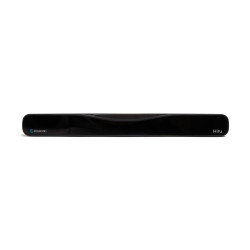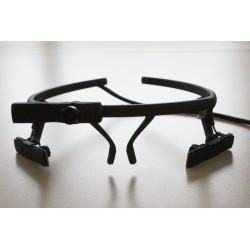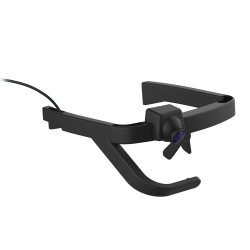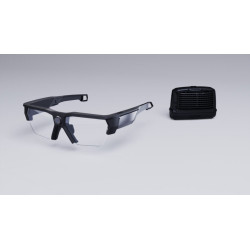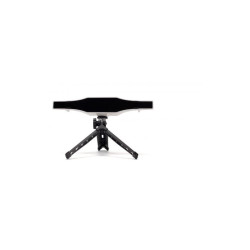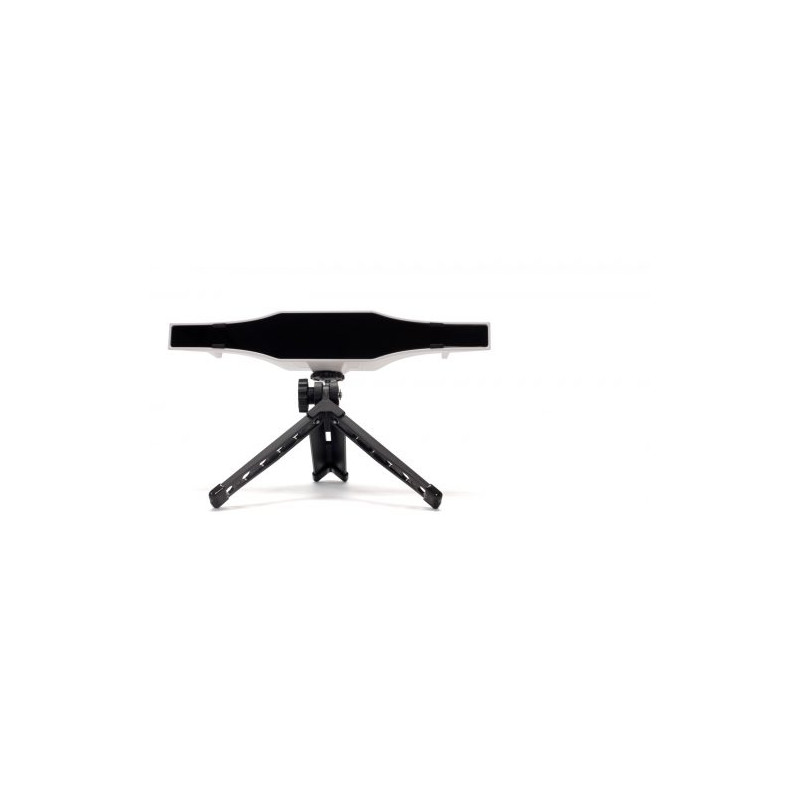
GazePoint GP3 HD is a stationary, research-grade eye tracker designed to record the user's gaze while interacting with a screen. The device utilizes a machine vision camera [an industrial camera designed for computer vision] and offers a sampling rate of up to 150 Hz, allowing for a maximum of 150 gaze position measurements per second.
GazePoint GP3 HD Eye Tracker 150 Hz
GazePoint GP3 HD is a stationary, research-grade eye tracker designed to record the user's gaze while interacting with a screen. The device utilizes a machine vision camera [an industrial camera designed for computer vision] and offers a sampling rate of up to 150 Hz, allowing for a maximum of 150 gaze position measurements per second.
This model is primarily aimed at research institutions, universities, UX [User Experience] laboratories, and developers creating their own applications using gaze direction data.
The device can be used for, among other things, the following:
Website and application usability testing,
User behavior analysis,
Psychological and cognitive research,
Academic research,
Neuromarketing,
Creating gaze-controlled applications,
Integrating eye tracking with custom research software.
Specifications
Sampling rate: 150 Hz.
Measurement accuracy: 0.5–1.0° of viewing angle.
Calibration: 5- or 9-point.
Permissible head movement range: 35 cm horizontally, 22 cm vertically.
Depth movement range: ±15 cm.
Device dimensions: 234 × 43 × 47 mm.
Device weight: 126 g.
Supported display size: up to 24 inches.
Camera: Machine vision camera with HD image sensor.
Device interface: USB 3.0.
Device calibration and operation: Gazepoint software.
Developer access: Open Gaze API and SDK included.
API communication: TCP/IP.
API data format: XML.
Operating system: Windows 10 or Windows 11.
Processor: Intel Core i5 or higher, 2022 model or newer.
Memory: Minimum 8 GB RAM.
Required port: USB 3.0.
macOS and Linux: Not supported.
Includes:
GP3 HD Eye Tracker 150 Hz,
miniature tripod,
USB cables.
Warranty and manufacturer support: 1 year.
Software Required for Operation
Basic Gazepoint Software
For configuration, calibration, and communication with the device, you need the Gazepoint software installer, available in the manufacturer's Downloads section. The download section is currently password-protected; according to the FAQ, access data is provided with the purchased device. The Quick Start Guide indicates installing the Gazepoint Analysis software as the first step in configuration.
Developer Option
Developers can use the included Open Gaze API and SDK to create their own application that receives data from the device.
Communication is performed via TCP/IP.
Data is transmitted in XML format.
Any programming language that supports TCP/IP communication can be used.
The manufacturer provides sample code in the installation package.
The API allows, among other things, to initiate calibration, retrieve gaze position, pupil data, and display information.
Ready-made research option
For conducting research without developing your own software, the manufacturer offers separately paid applications:
Gazepoint Analysis Professional Edition
heat map creation,
fixation path visualization,
screen recording,
image, video, and web page support,
multiple participant data aggregation,
dynamic AOIs (Areas of Interest),
image, recording, and statistical data export.
Gazepoint Analysis UX Edition
All features of the Professional version,
Recording participant voice in Think Aloud mode [audio commentary of activities],
Webcam recording,
Features designed for UX and cognitive research,
Biometric data visualization capability with additional Gazepoint Biometrics hardware.
The Gazepoint Analysis license is assigned to a specific computer. One license cannot be used simultaneously on multiple workstations.
GazePoint GP3 HD is a stationary, research-grade eye tracker designed to record the user's gaze while interacting with a screen. The device utilizes a machine vision camera [an industrial camera designed for computer vision] and offers a sampling rate of up to 150 Hz, allowing for a maximum of 150 gaze position measurements per second.