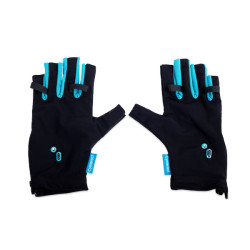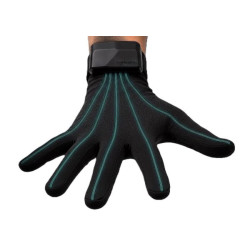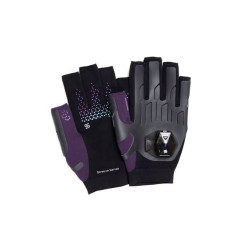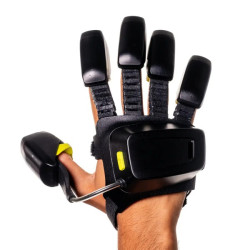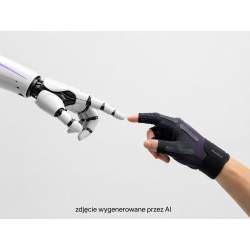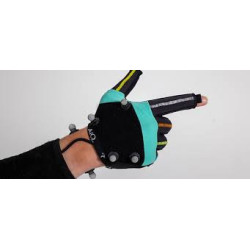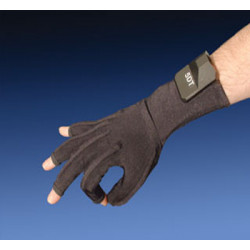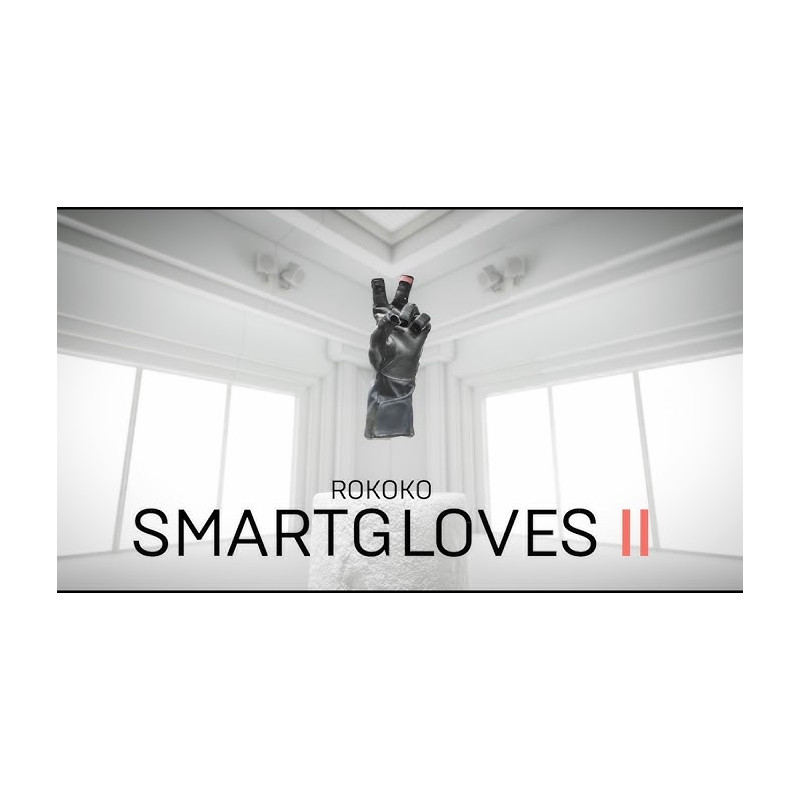
Rokoko Smartgloves II are wireless motion capture gloves designed to capture finger, hand, and wrist movements in real time. They utilize a combination of IMU inertial sensors, magnetometers, and EMF technology, eliminating the need for cameras, optical markers, or a dedicated studio.
Rokoko Smartgloves II – Professional Hand and Finger Tracking Gloves
Rokoko Smartgloves II are wireless motion capture gloves designed to capture finger, hand, and wrist movements in real time. They utilize a combination of IMU inertial sensors, magnetometers, and EMF technology, eliminating the need for cameras, optical markers, or a dedicated studio.
The gloves can operate independently or as part of a complete Rokoko system, including the Smartsuit Pro II, Coil Pro, and facial capture solutions. They are primarily aimed at animators, game developers, VFX studios, XR teams, research labs, robotics projects, and teleoperation applications.
Important: Smartgloves II are not haptic gloves. They capture movement but do not generate tactile sensations, resistance, pressure, or force feedback.
Technical Specifications
Device Type: Gloves for capturing hand and finger motion
Number of Gloves Included: 2 – Left and Right
Number of Sensors: 7 sensors per glove
Measurement Technologies: IMU, Magnetometer, and EMF
IMU – Inertial Measurement Unit: Inertial sensor measuring acceleration and orientation
EMF – Electromagnetic Field: Technology utilizing electromagnetic fields, primarily used with Coil Pro
Home Pose Degrees of Freedom: 39 DOF
Degrees of Freedom with Coil Pro: 45 DOF
Hand Skeletal Model: Over 25 DOF
IMU Internal Sampling Rate: 250 Hz
Output Data Rate: 83.33 Hz
Magnetometer Rate: 83.33 Hz
EMF Sampling Rate: 96 kHz
Accelerometer Range: Up to 8 g
Connectivity: 2.4 GHz and 5 GHz Wi-Fi
Wi-Fi standard: IEEE 802.11b/g/n
Declared Wi-Fi range: up to 100 m in appropriate conditions
Current consumption: 260 mA
Power supply: external power bank connected via USB cable
Recommended power supply capacity: 3 A
Operating time: the manufacturer declares 50% longer operating time than the previous generation, but does not publish a clear number of hours
Connection to a computer during operation: via Wi-Fi
USB connection: configuration, firmware update, or use of the Device SDK
Available sizes: S, M, L, and XL
Configuration and standard operation: Rokoko Studio
Supported export formats depending on the plan: FBX, BVH, and CSV
Availability: the product is currently shipping worldwide
Price in the official international store: USD 1,995; Tax, shipping, and regional pricing may apply separately.
Software Required for Operation
Rokoko Studio
Rokoko Studio is the basic software for glove configuration, calibration, motion visualization, data recording, retargeting, and animation export. Creating a Rokoko account and a project in the program is required for standard workflow.
Rokoko Studio Plans
* Starter – free: motion recording, basic filters, and FBX export.
* Basic: importing custom characters, retargeting, BVH export, and advanced export options.
* Plus: real-time motion transmission to external applications, including Unity, Unreal Engine, Blender, Maya, and Houdini.
* Pro: CSV export, Advanced Command API, UDP trigger messages, and Face Capture features.
* Enterprise: local data storage without cloud synchronization, extended support, and a custom SLA.
Integrations
Rokoko offers integrations with, among others:
Unreal Engine
Unity
Blender
Autodesk Maya
Autodesk MotionBuilder
Houdini
Cinema 4D
Reallusion iClone
OptiTrack
Qualisys
MOVIN
Data can also be exported to FBX, BVH, or CSV, depending on the software plan used.
Rokoko Device SDK
For robotic, scientific, and industrial applications, the separately licensed Rokoko Device SDK can be used. It provides access to sensor data via USB or Wi-Fi, direct data streaming via TCP/IP, and support for:
Windows
macOS
Linux x64
Linux ARM64
The SDK provides, among other things, orientations stored as quaternions, 3D position vectors, and raw accelerometer, gyroscope, and magnetometer data. The SDK license is priced individually.
The SDK does not currently have native integration with ROS 2. However, data can be converted to ROS 2 using your own software using the TCP protocol.
Computer
Minimum requirements for Rokoko Studio:
Windows 10 64-bit or a Mac with an Apple Silicon M1 processor or later
Intel Core i5 Ivy Bridge, AMD A10-7850K, or Apple M1 processor
8 GB RAM
DirectX 10-compatible graphics card for Windows
16 GB RAM and an Intel Skylake, AMD Ryzen 5, or later processor are recommended. Macs with Intel processors are not officially supported.
Network
Rokoko recommends:
A dedicated Wi-Fi router operating in the 5 GHz band
Placing the computer and gloves within range of the same router
Limiting the traffic of other devices on the network
Avoiding crowded office, university, or public networks
Properly configuring your firewall
The manufacturer suggests disabling any firewalls that may block communication. In corporate, military, or academic environments, a safer solution is to create an isolated local network for mocap and configure appropriate firewall rules instead of disabling it completely. The router does not need to have internet access during traffic capture.
Power Supply
The gloves do not have their own built-in battery. They require an external power bank with adequate current capacity. The manufacturer does not include power banks due to restrictions related to the international transport of lithium batteries.
Rokoko Smartgloves II are wireless motion capture gloves designed to capture finger, hand, and wrist movements in real time. They utilize a combination of IMU inertial sensors, magnetometers, and EMF technology, eliminating the need for cameras, optical markers, or a dedicated studio.