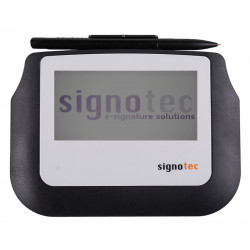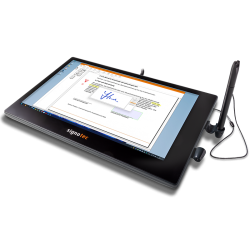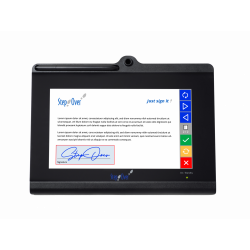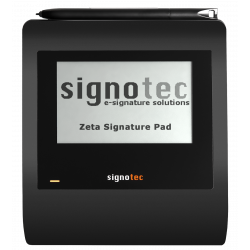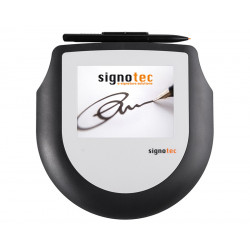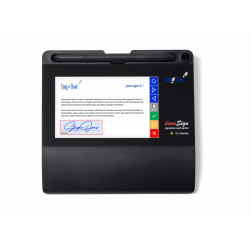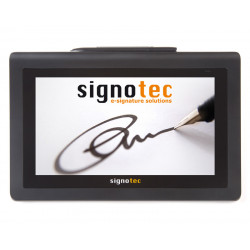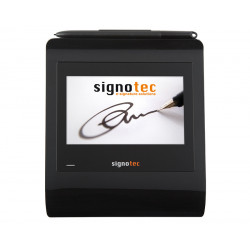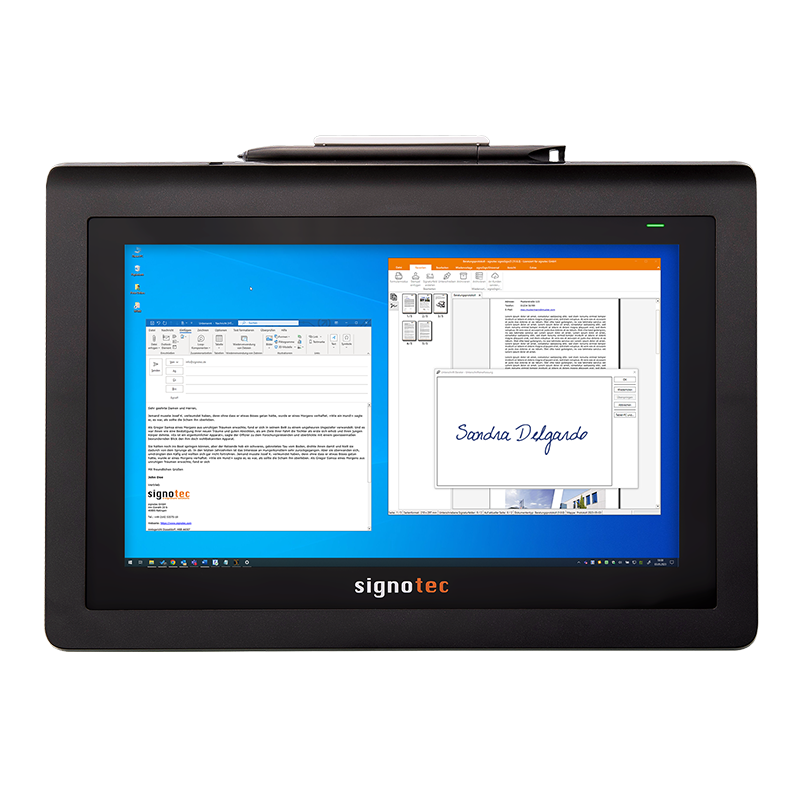
The Signotec Delta Pen Display is a professional 10.1-inch pen display, designed primarily for handwriting documents, annotating, filling out forms, and operating applications with a special pen.
Signotec Delta Pen Display
The Signotec Delta Pen Display is a professional 10.1-inch pen display, designed primarily for handwriting documents, annotating, filling out forms, and operating applications with a special pen.
The device is not a traditional, standalone signature tablet. It functions as an additional computer monitor, using DisplayLink technology. When connected via USB, Windows recognizes it as a second screen, which can display an entire application, a PDF document, or a selected window. The image can be duplicated from the primary monitor or extended.
The Delta Pen Display is well-suited for applications such as:
customer service points,
reception desks and medical facilities,
banks and insurance companies,
public administration,
retail,
contract and protocol signing processes,
handwritten annotations on documents,
simple graphic and presentation applications.
The key difference from the classic Signotec Delta Signature Pad is that the Pen Display version displays standard system desktop content. However, it lacks the full set of hardware mechanisms and features found in dedicated Signotec signature pads. The manufacturer explicitly describes the Pen Display as a device with a more limited set of features than the classic Signature Pads.
Technical Specifications
Screen
Type: Color LCD with LED backlight.
Diagonal: 10.1 inches, approximately 25.5–25.6 cm.
Display resolution: 1280 × 800 pixels.
Number of colors: 16.7 million.
Working format: landscape.
The device functions as a second monitor using DisplayLink technology.
Pen and sensor
Sensor technology: ERT — Electromagnetic Resonance Technology.
Pen: Special, battery-free.
Pen tip: Replaceable.
Number of pressure levels: 2048.
Sampling rate: 280 Hz.
4D data captured:
- X coordinate,
- Y coordinate,
- Z pressure,
- time T.
Active writing area: 217 × 136 mm.
The sensor resolution listed in the manufacturer's detailed table is 10,800 × 6,900 points, corresponding to approximately 1,264 × 1,292 dpi.
Surface: Tempered, resistant special glass.
Declared surface durability: approximately 30 million signatures.
There is some inconsistency on the store's website: in the "Highlights" section, the manufacturer states a sensor resolution of 5,080 LPI, while the detailed technical table shows a value of approximately 1,264 × 1,292 dpi.
Touch Control
A capacitive touchscreen is indicated as an option.
The optional version can support up to 10 touch points simultaneously.
Declared touch sensor durability: over 1 million touches. Active touch area: approximately 218 x 137 mm.
The basic model marked ST-DEPD-3-U100 should not be automatically identified as a multi-touch model. Please confirm the exact part number and availability before purchasing the touch version.
Connection and Power
Computer connection: USB.
Cable: USB Y, approximately 2.7 m long.
Connectors:
- black USB-A – data transfer and power,
- orange USB-A – additional power,
- Micro-USB – device connection.
Maximum current consumption: approximately 1000 mA.
Power supply:
- via USB,
- optional external USB power supply.
In systems with USB 3.0, a single black USB-A cable is often sufficient.
For USB 2.0, the manufacturer recommends connecting both USB-A connectors, as a single port may not provide the required power.
Insufficient power can cause:
the device not to start,
random shutdowns,
no response to the pen,
unstable screen operation.
Design
Dimensions: 280 × 205 × 13–23 mm.
Weight: approximately 750 g.
Built-in, foldable kickstand.
Can be used flat or at an angle.
VESA mount: 75 × 75 mm.
Two ways to place the pen:
horizontally above the screen,
in a vertical or diagonal holder.
Two-color status LED.
Option to order a different housing color or logo print.
Standard manufacturer's warranty: 2 years.
Software Required for Operation
1. DisplayLink Driver
The DisplayLink driver is responsible for operating the Delta Pen Display as an additional monitor via USB. Without it, the device may not be properly recognized as a display.
The manufacturer provides a link to the current DisplayLink driver on the product page.
2. Signotec Pen Display Manager
The Signotec Pen Display Manager software configures the pen and assigns its functionality to the correct display. 32-bit and 64-bit versions are available.
The manufacturer recommends installing both the Pen Display Manager and the DisplayLink driver before connecting the device for the first time and restarting the computer after installation.
The Pen Display Manager is also required when an application uses the mouse cursor-pen binding feature via the Signotec API.
3. Signing or Annotation Software
The driver itself allows the device to function as a monitor and pointing device. For practical document signing, a software program that supports handwritten signatures is required.
The manufacturer recommends, among other things:
signoSign/2 Lite – basic software for getting started with signatures;
signoSign/2 Pro – advanced creation, editing, signing, and automatic processing of PDF documents;
Adobe Acrobat Plug-In – an add-on for Adobe Acrobat and Adobe Reader that allows for signatures;
third-party applications compatible with pen input or the Signotec interface.
Two situations should be distinguished:
For simple on-screen writing in a compatible application, the system's pen support may be sufficient;
Compatible software or API integration is required to capture signature, pressure, coordinate, and time data and transfer it to the document workflow system.
4. SDK and API for Integration
SDK stands for Software Development Kit, a set of programming tools. API stands for Application Programming Interface, an interface that allows your application to communicate with the device.
Signotec provides, among other things, the signoPAD-API, which includes components for:
ActiveX and COM,
C and C++,
.NET Framework 4.6.2 or later,
.NET 6 or later,
Windows Forms,
and partially WPF via Windows Forms Host.
API integration is not necessary if Delta is intended solely as an additional display with a pen. It is required when the application needs to directly receive signature data, control the signing process, or separate pen input from the standard mouse cursor.
The Signotec Delta Pen Display is a professional 10.1-inch pen display, designed primarily for handwriting documents, annotating, filling out forms, and operating applications with a special pen.